

Club Admin
Inviting members
Bring coaches, managers and helpers into your club as members. A personal invite lets one person join straight away, optionally with a role such as Coaches. The org join link can be shared with anyone; people who use it send a join request for you to approve.
Who can do this
Anyone who can approve join requests — by default the club's Admin role. Choosing a role for the invite also needs permission to change group membership, so only people who could add someone to that group can invite them into it.
Part 1: Sending an invite
Open Invite members
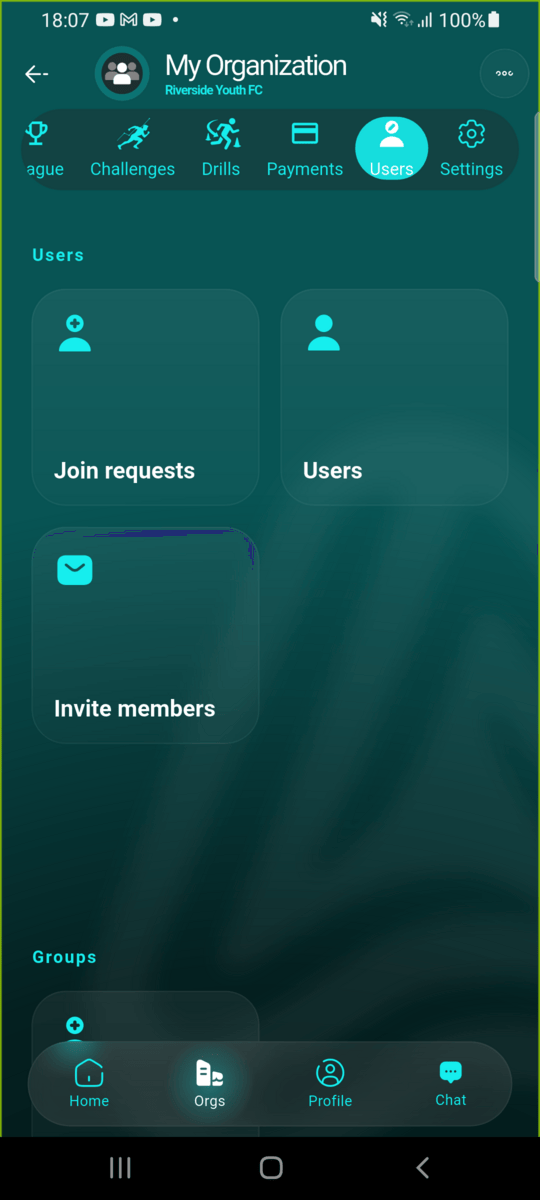
In your club, open the Users tab and tap Invite members.
Choose how to invite
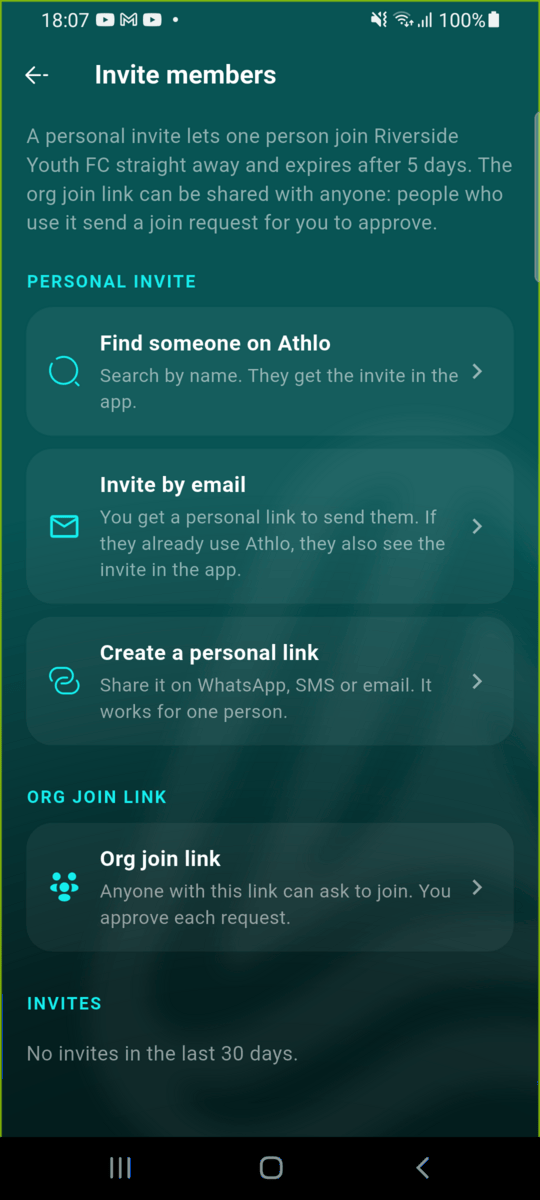
There are three kinds of personal invite, plus the org join link. A personal invite works once and expires after 5 days.
Someone already on Athlo: find them by name
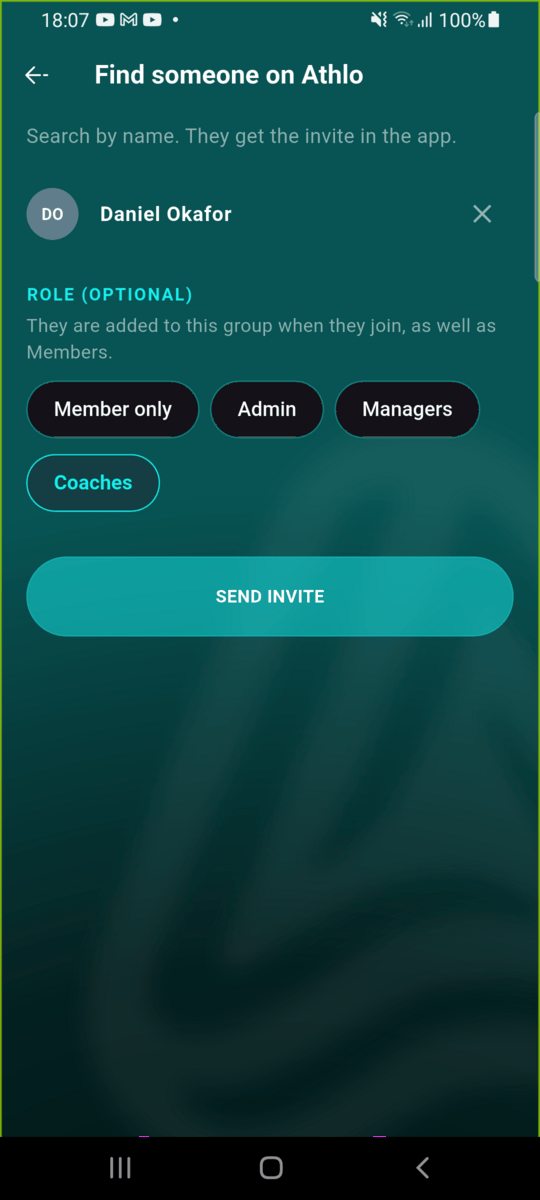
Tap Find someone on Athlo, search by name and pick the person. Optionally choose a role — they're added to that group when they join, as well as Members. Tap Send invite.
They get it in the app
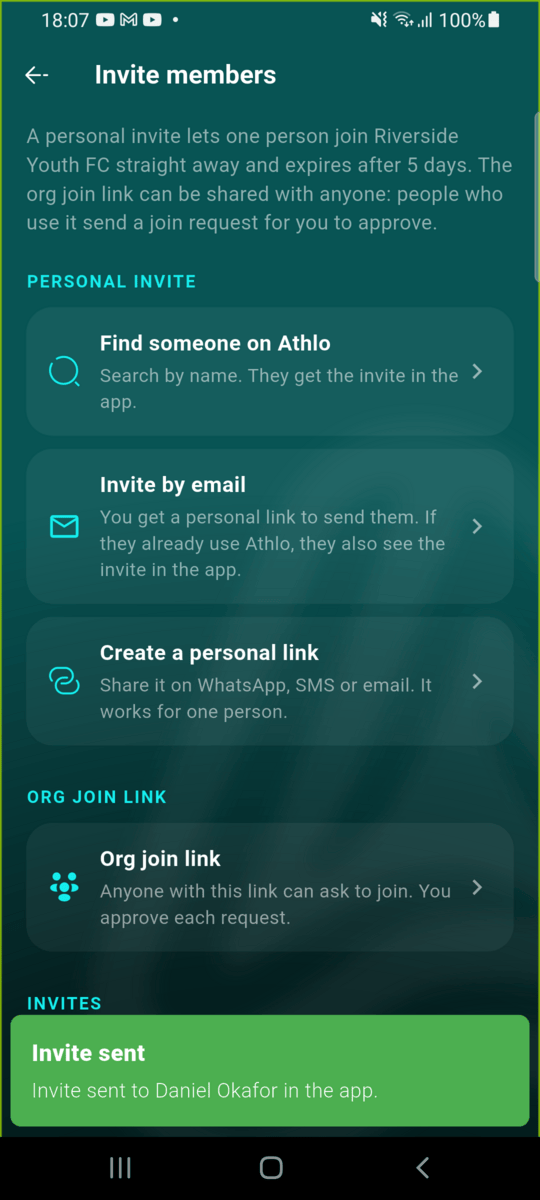
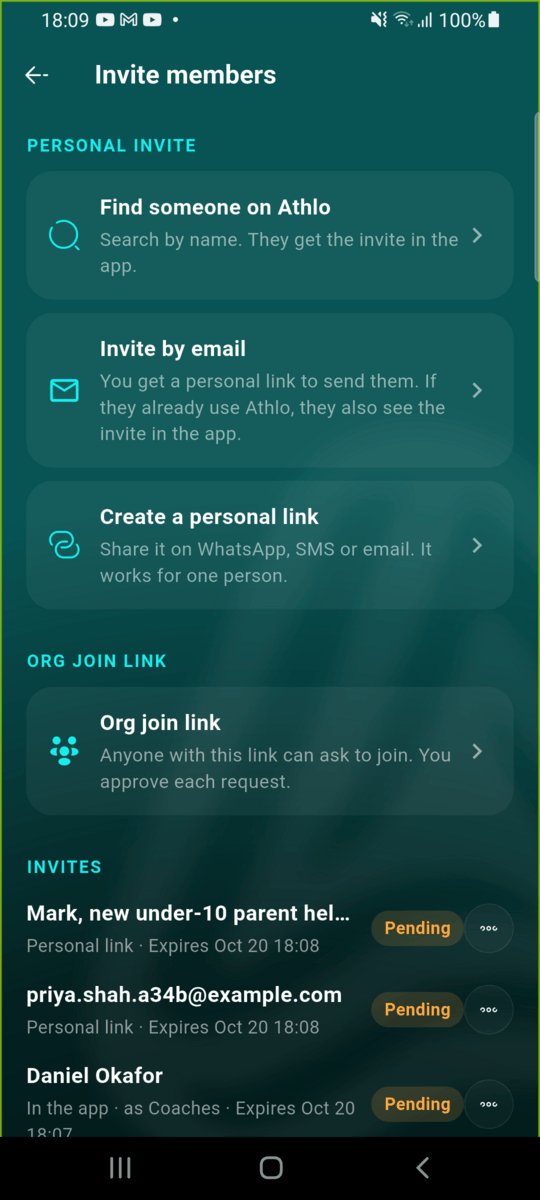
The invite appears in your Invites list as Pending, with its role and expiry. The person gets a notification.
By email
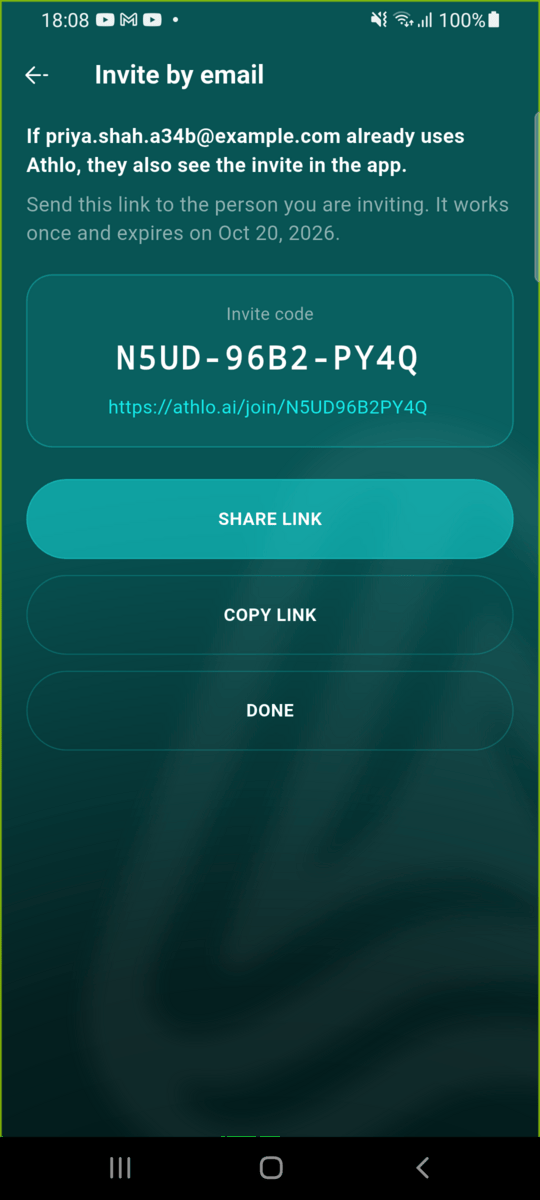
Tap Invite by email and enter their address. You always get a personal link to send them; if they already use Athlo with that email, they also see the invite in the app.
Someone not on Athlo yet: a personal link
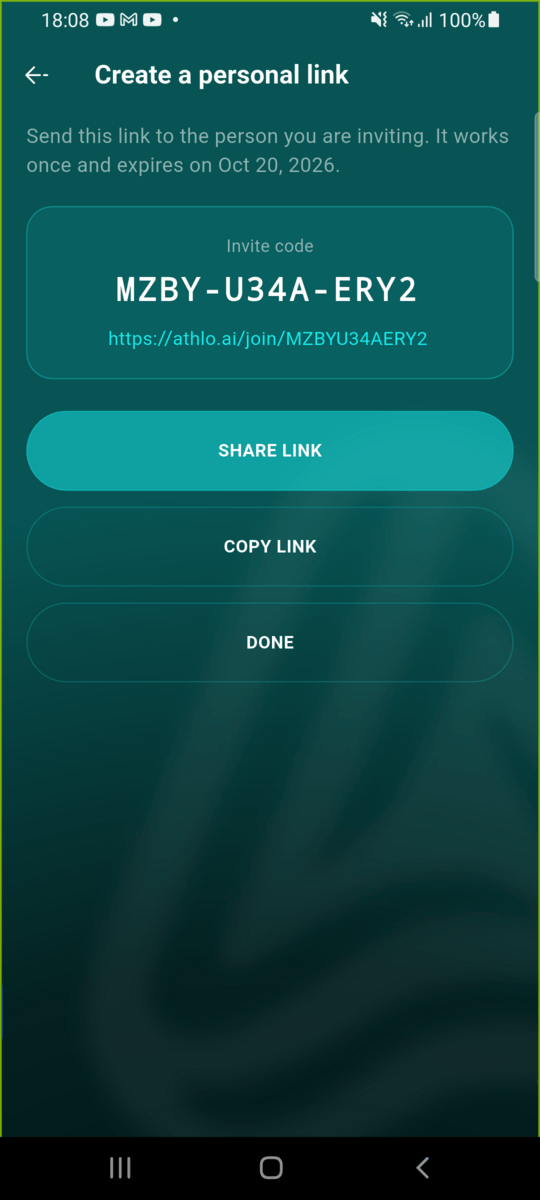
Tap Create a personal link. Add who it's for (only you see this), pick a role if needed and tap Create link. Share it on WhatsApp, SMS or email — it works for one person.
The org join link
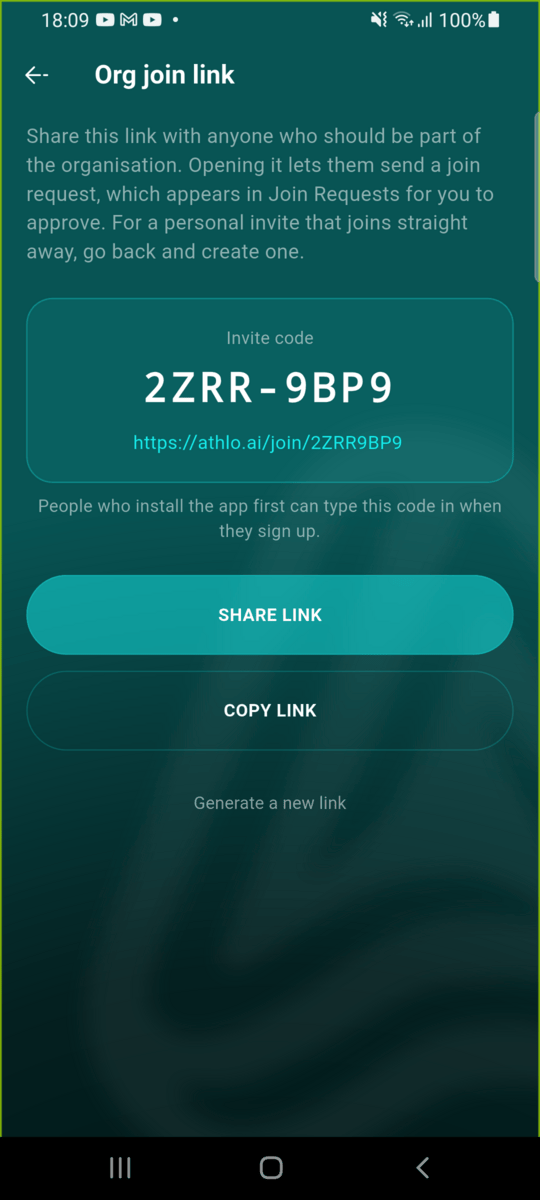
Tap Org join link for a link you can share with anyone. People who open it send a join request, which appears in Join requests for you to approve. Generate a new link to stop the old one working.
Keep track of invites
The Invites list shows the last 30 days: pending, joined, declined, cancelled or expired. Use the ⋯ menu on a pending invite to share its link again or cancel it.
Part 2: Accepting an invite
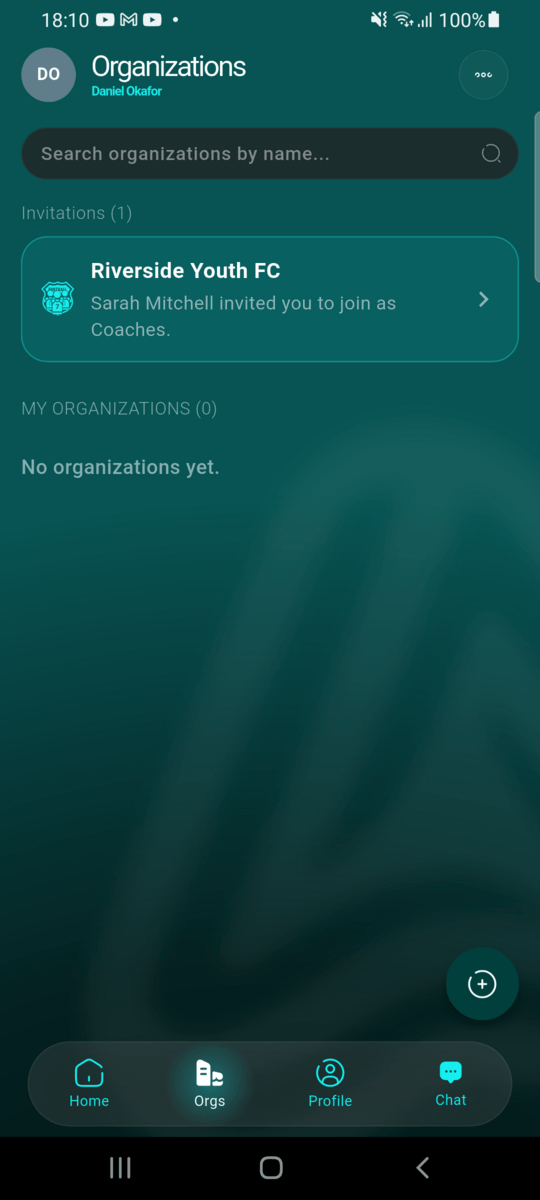
Find it under Invitations
On the Orgs tab, pending invites appear under Invitations. (Opening a personal link does the same thing.)
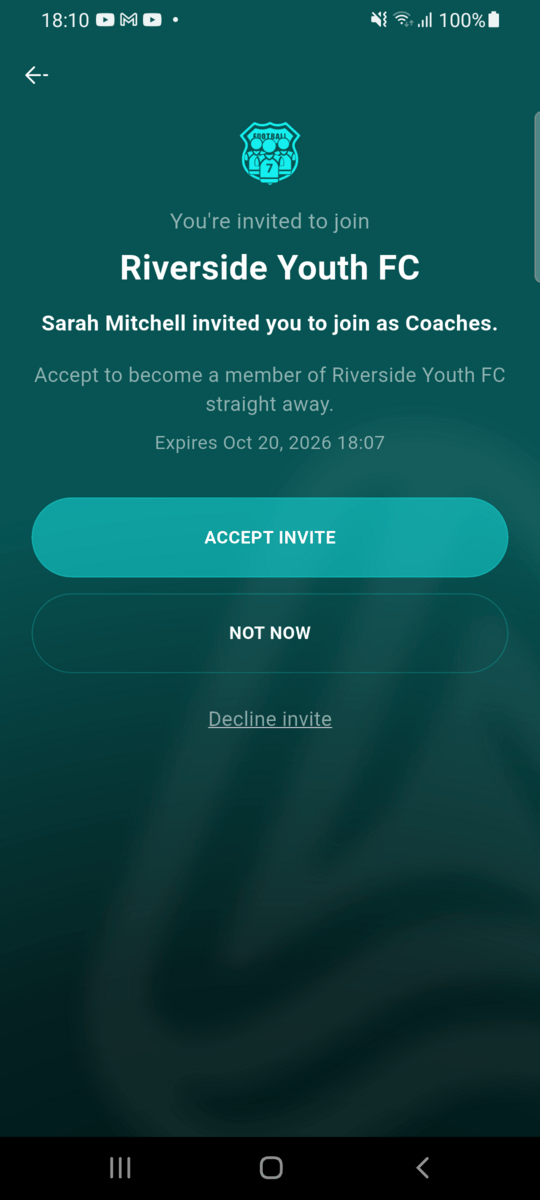
Accept the invite
The invite says who sent it, the role, and when it expires. Tap Accept invite.
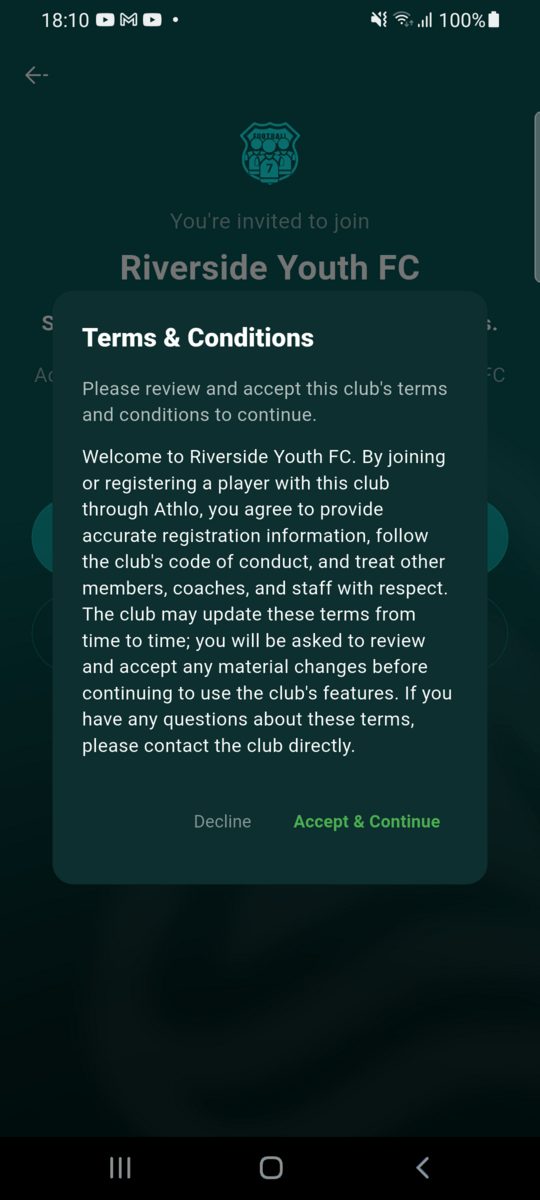
Accept the club's terms
If the club has terms and conditions, accept them to continue.
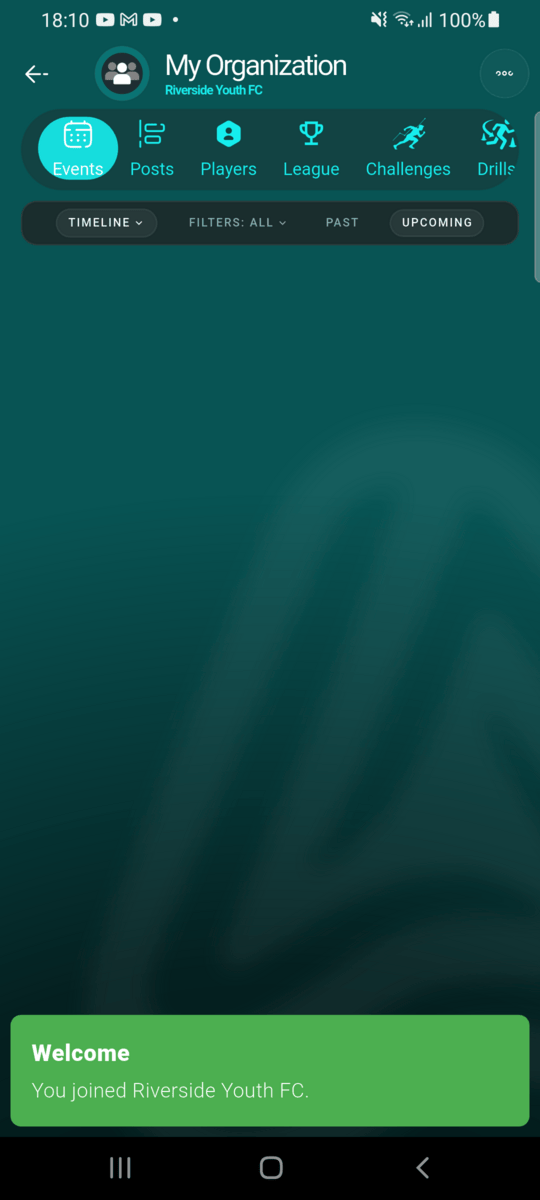
You're in
You're a member straight away, in the role you were invited with. The club's admins are notified that you joined from a personal invite.
Part 3: Joining with the org join link
Send a join request
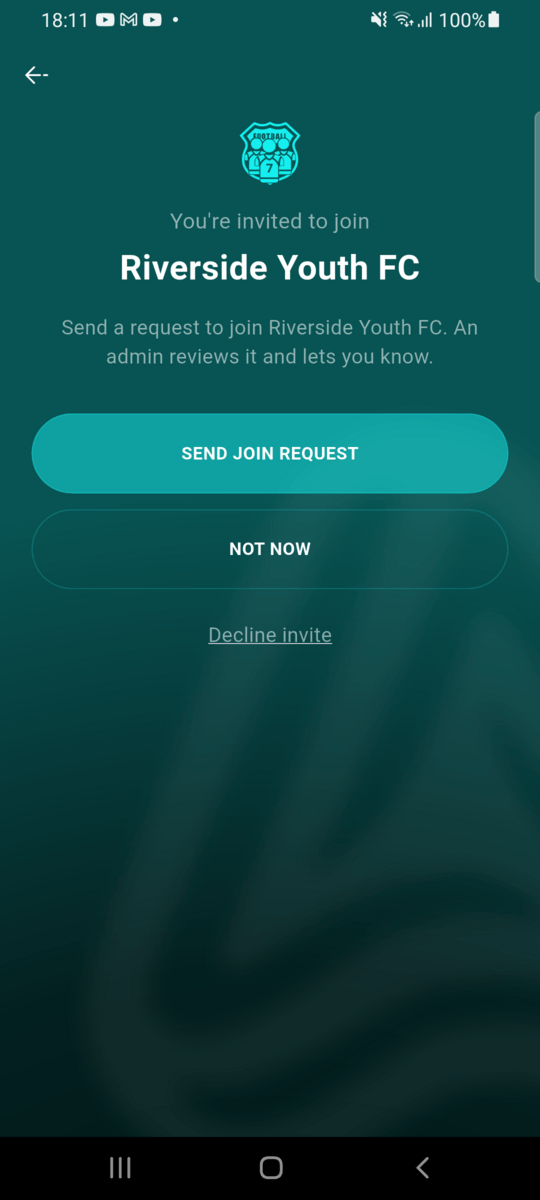
Opening the org join link shows the club and a Send join request button. An admin reviews the request and you're told when it's approved.
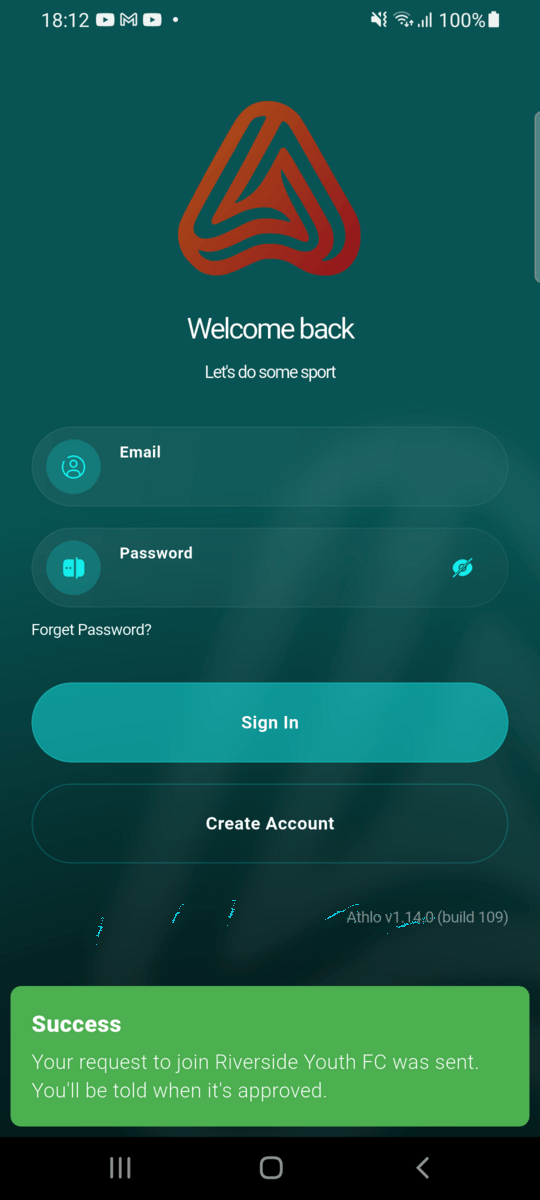
Request sent
Your request is waiting in the club's Join requests.
A few things worth knowing
- Personal invites work once and expire after 5 days. Send a new one if it runs out.
- The role is optional. Without one, the person joins as a Member and you can change their groups later.
- Inviting by email keeps addresses private. Athlo never tells you whether an email has an account.
- Someone already in the club can't be invited again; someone with a pending invite gets the existing one.