

Club Admin
Reporting a forfeit
If a fixture can't go ahead — your own team can't field a side, or the opponent simply doesn't show — either club can report it as a forfeit directly from their own league tab, no need to wait for the league admin. This guide walks through a real fixture from a live season: Oakwood Rovers FC reporting Thornfield United's no-show in the Cambridge Youth Football League.
Who can do this
Any member of either club playing in the fixture can report a forfeit — you're not limited to reporting your own side. You can report your own club as forfeiting (say, not enough players available) or report the opponent as a no-show. The one reason you won't see here is League declared — that's reserved for the league admin to use when overriding or declaring a forfeit centrally.
Step by step
Open your club's League tab
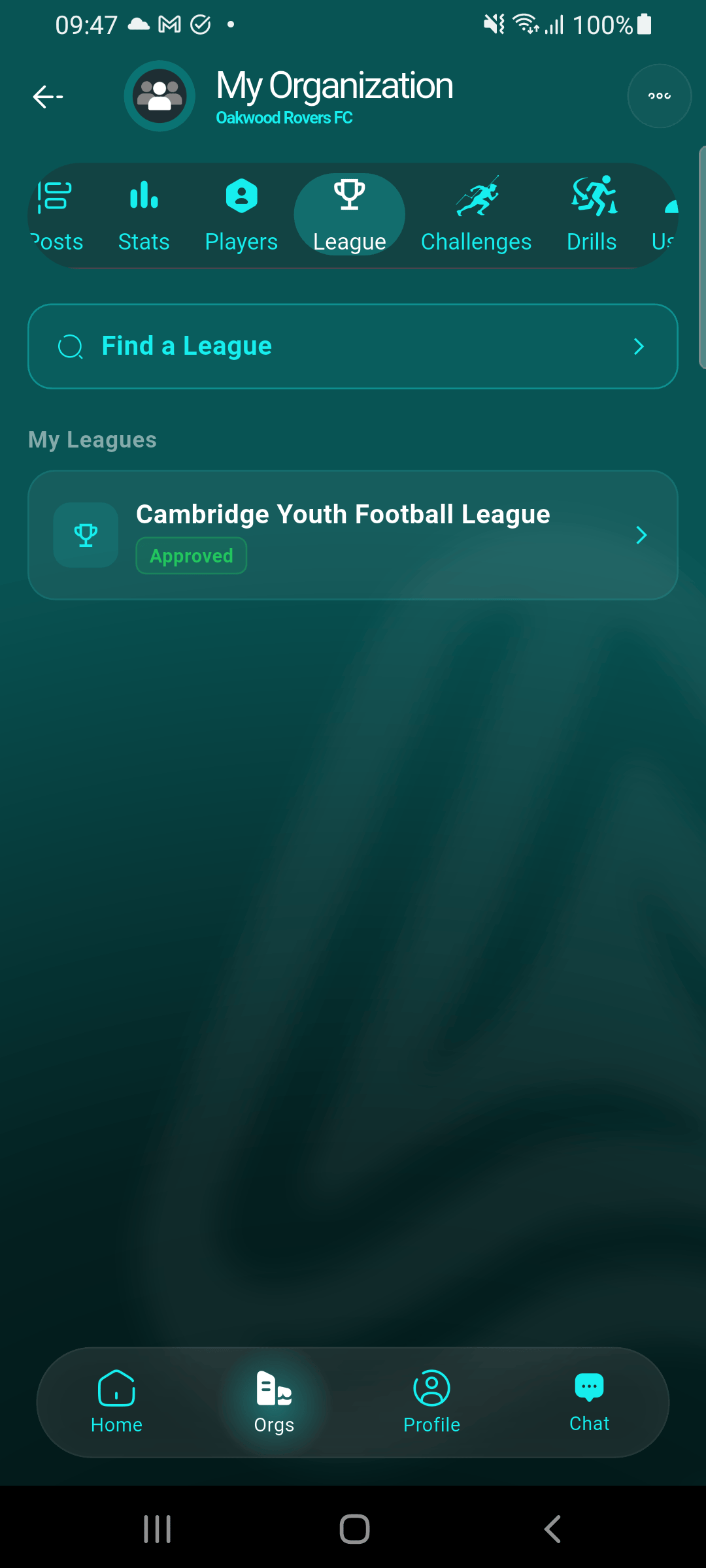
From your club's page, go to League, then tap the league you want to report a forfeit for.
Expand Fixtures & Results
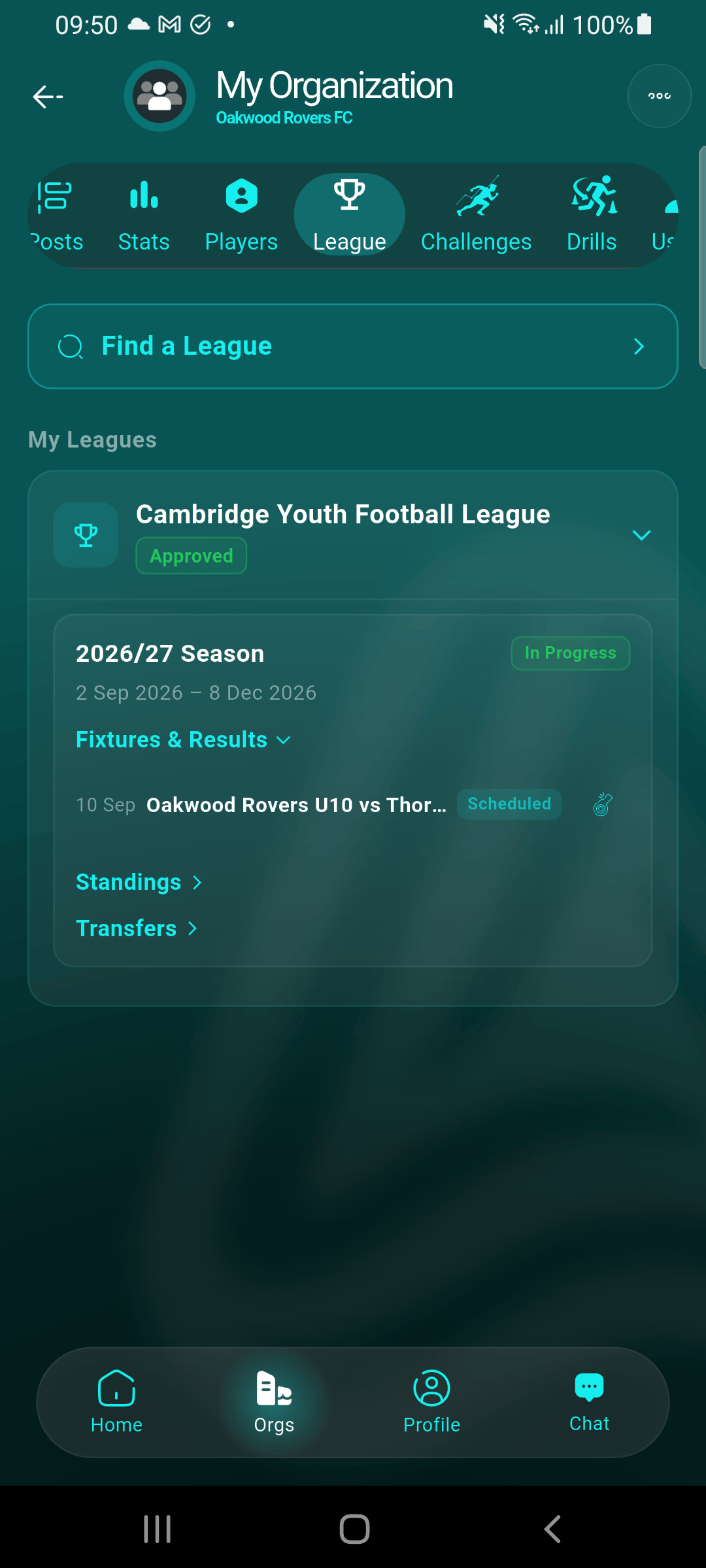
Under the season, tap Fixtures & Results to see every fixture. A fixture that can still be forfeited — scheduled, in progress, or awaiting a reschedule decision — shows a small whistle icon next to its status badge. A fixture that's already been decided (played out, or already forfeited) won't show one.
Tap the whistle icon
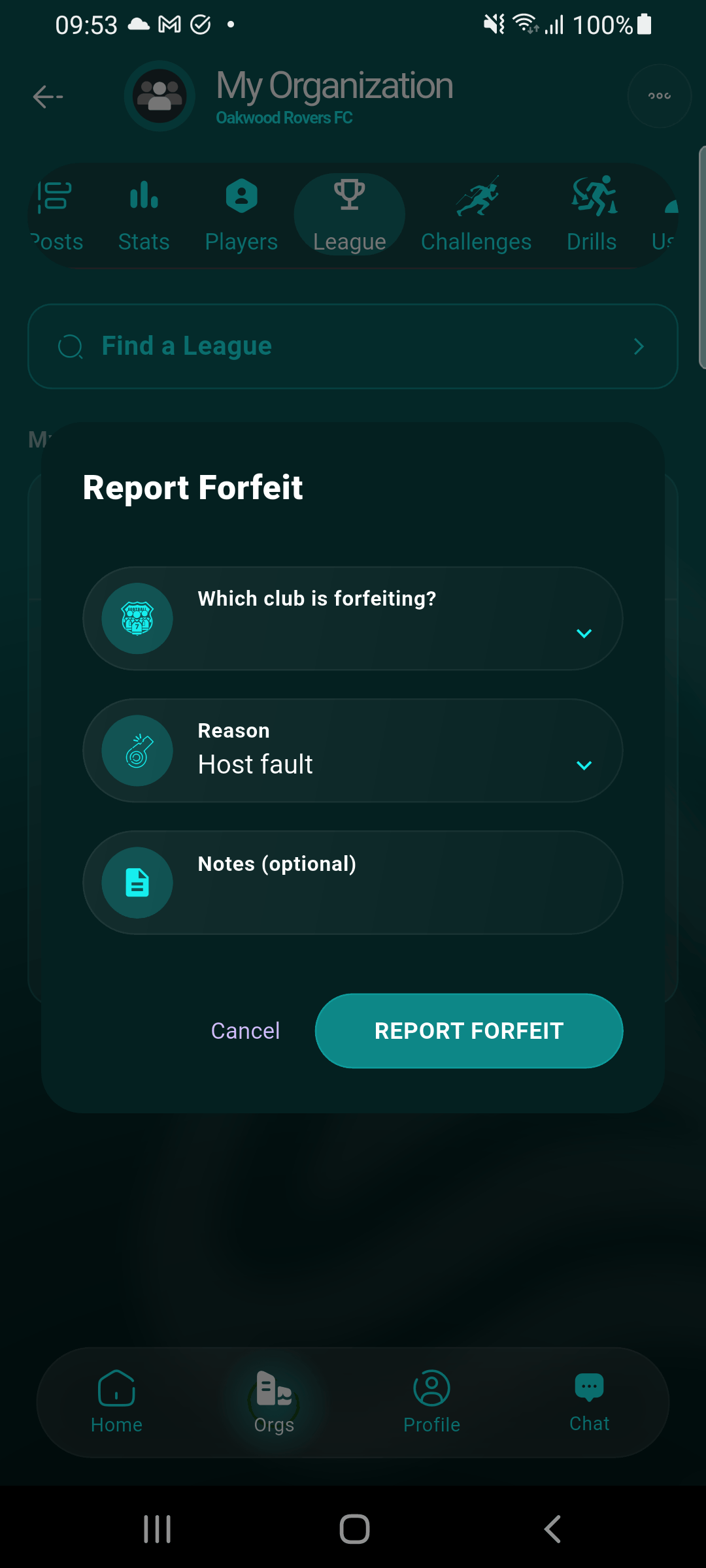
This opens the Report Forfeit dialog for that fixture.
Pick which club forfeited
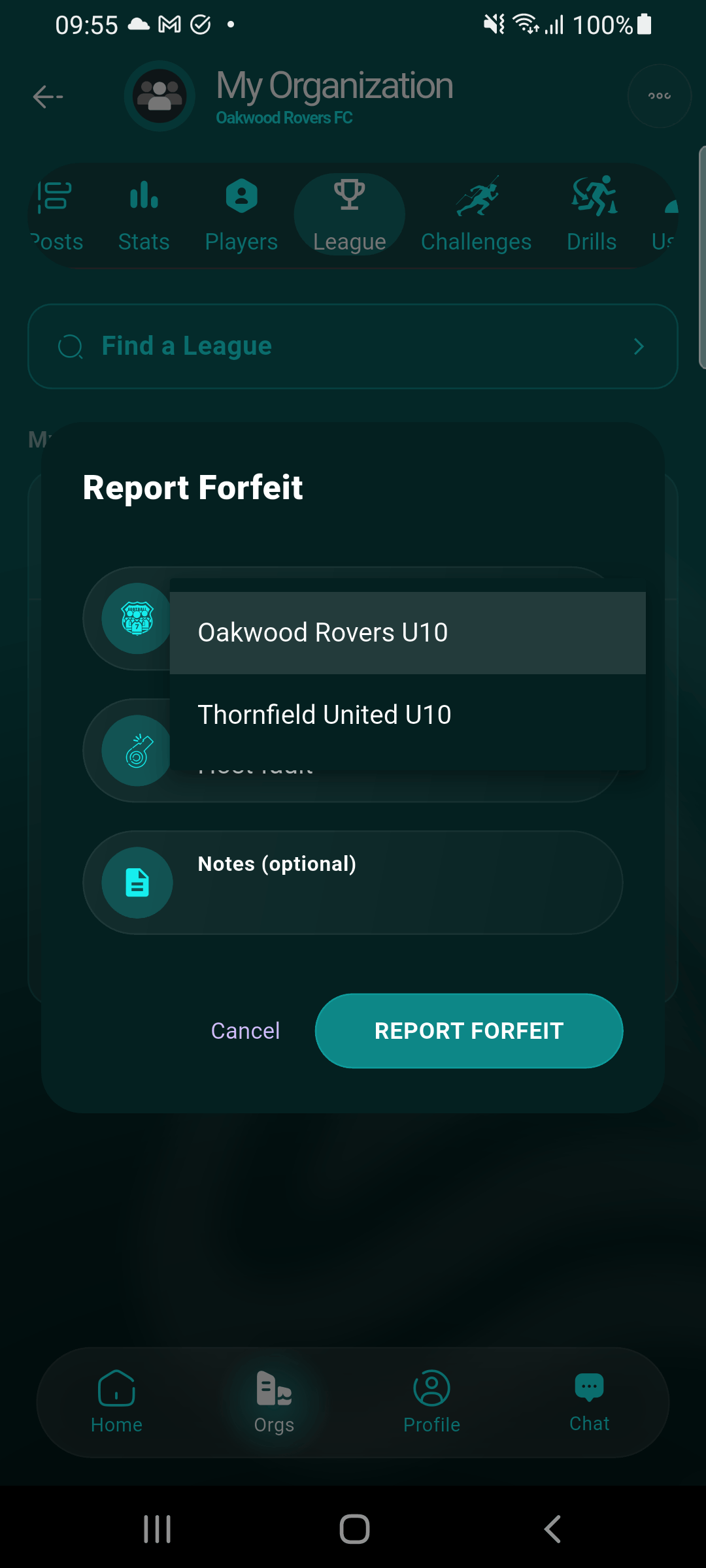
Choose either side — your own club, or the opponent.
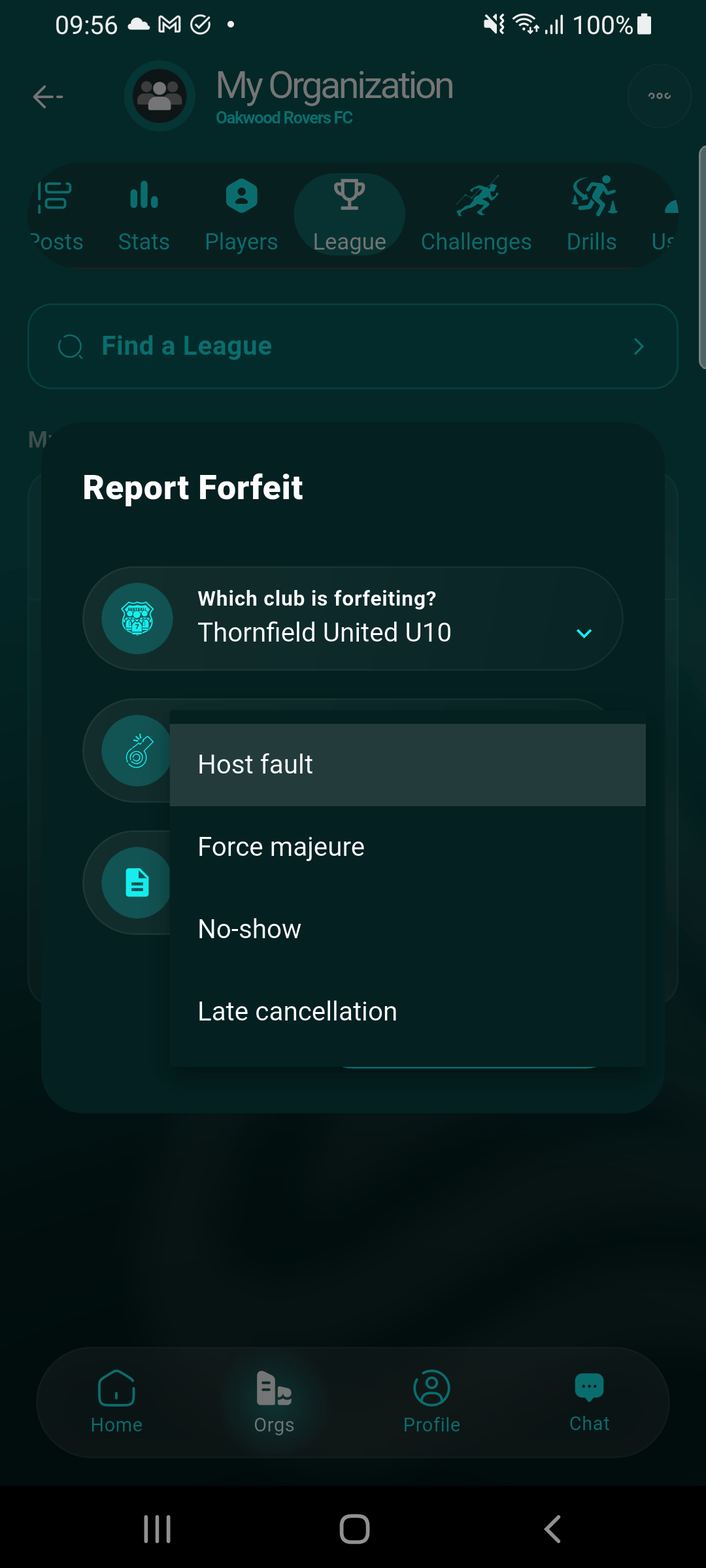
Choose a reason
Pick the closest fit: Host fault, Force majeure, No-show, or Late cancellation. Add an optional note for extra context — it's shown alongside the forfeit record.
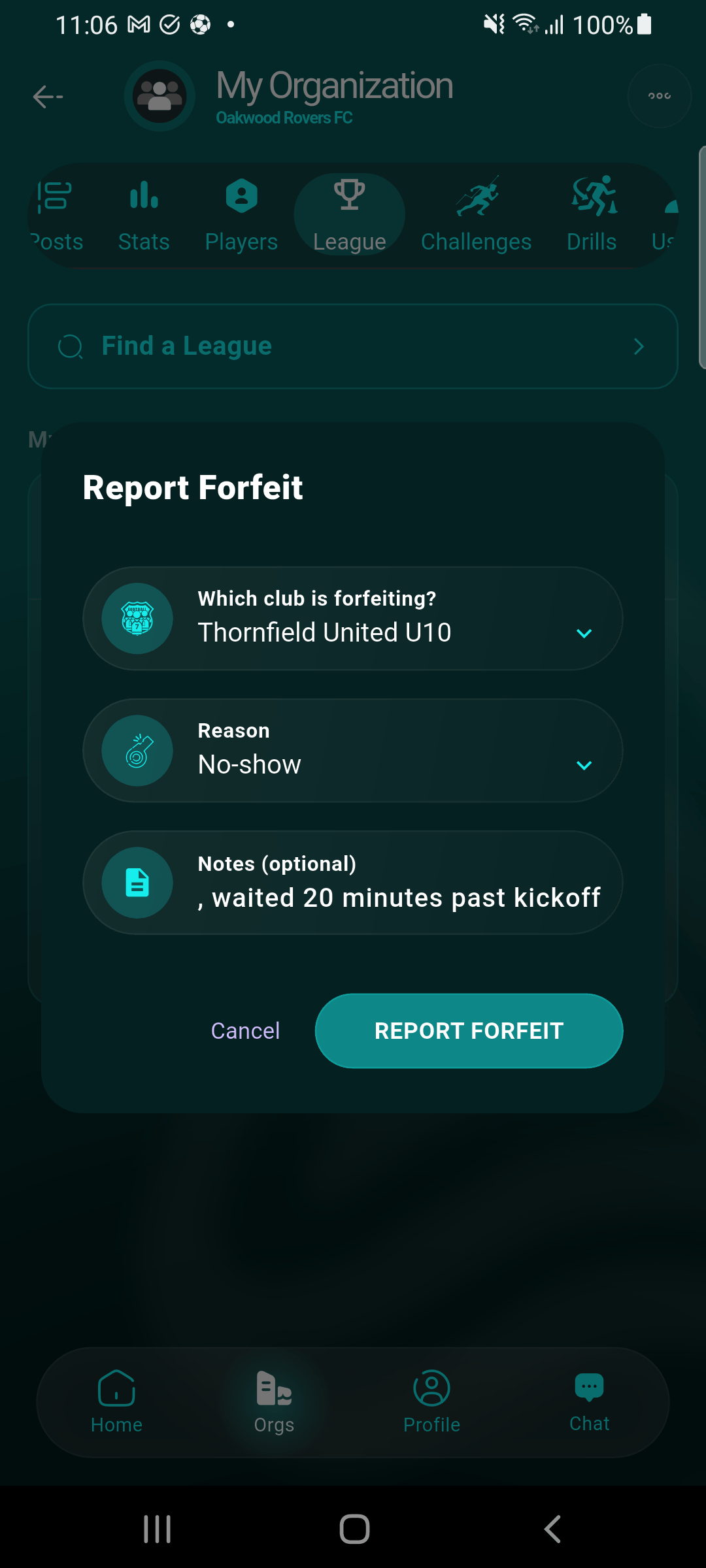
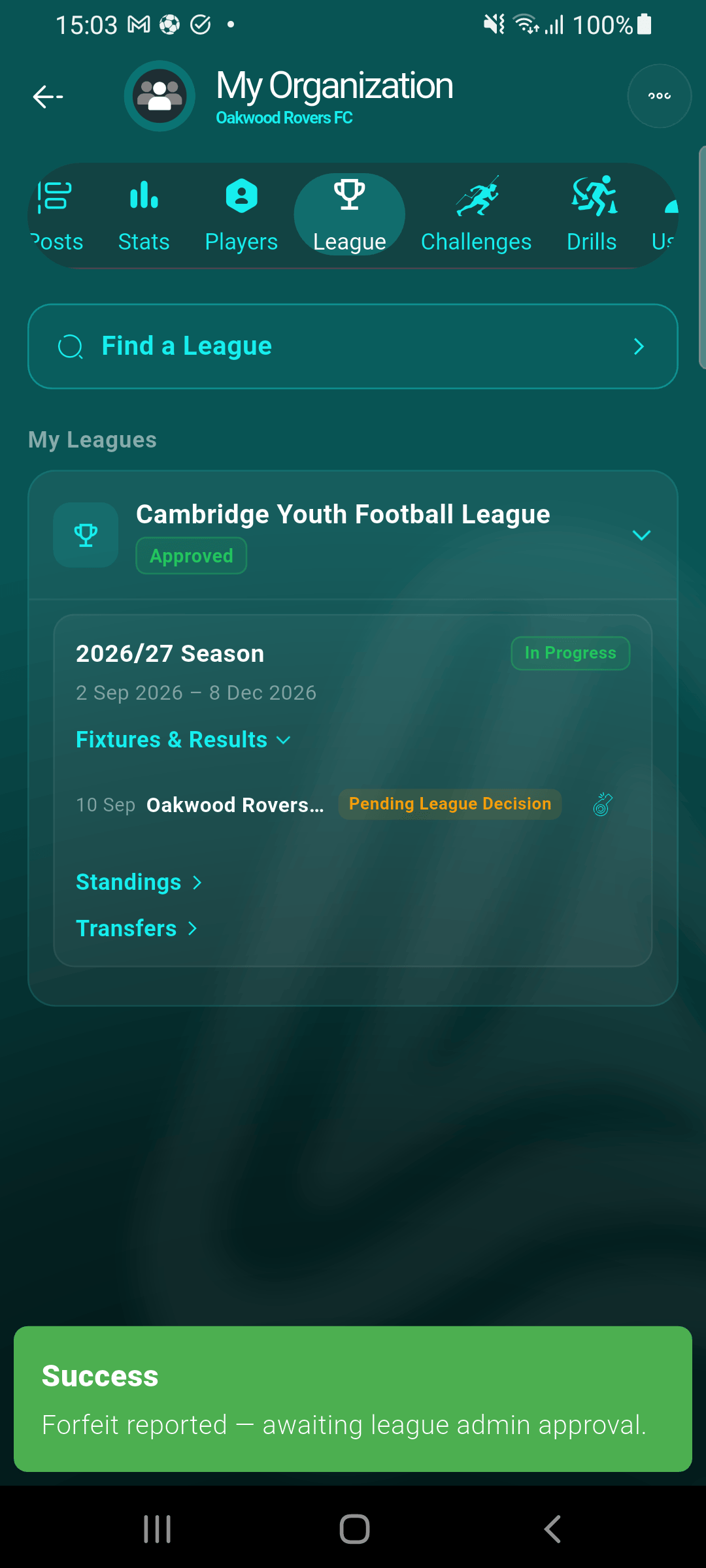
Report submitted — awaiting the league admin
The fixture's badge flips to Pending League Decision. Nothing is scored yet, and neither club's calendar is touched — the league admin needs to approve the claim first.
What happens to the fixture afterward
While a claim is pending, the fixture stays visible as normal in both clubs' calendars — it isn't cancelled yet. The opponent can still file their own report on the same fixture if they see it differently (agreeing on who forfeited, or blaming the other side) — the league admin will see every claim together. Only once the league admin approves a claim does the forfeit score get applied and both clubs' calendar copies of the fixture move to Cancelled. If the league admin rejects a claim instead — say, it was reported by mistake — the fixture simply goes back to how it was, nothing changes. See Handling forfeits for the full review flow.